


Key takeaways
- It is free to use, with a limit of 10 try-ons per visitor per day.
- The preview is generated by Google's Gemini image model, so it is an AI image and not a photograph.
- Your photo is sent once to generate the preview, processed in memory, and never stored by DDS.
- It works on four product types: tees, hoodies, sweatshirts and totes.
- You can upload a photo or use your camera, in 3 steps from product to preview.
- From a result you can add the item to your cart, try another colour, download the image or share it.
- The preview shows look, not fit: choose your size from the size chart on the product page.
- Results can differ from the real garment in fit, drape and exact colour.
How the try-on works
The try-on works in three steps. You choose a product, add a photo of yourself by upload or camera, and the studio sends that photo once to Google's Gemini image model, which generates a preview of you wearing the item. The result appears in the fit room, where you can change colour or add the item to your cart.
-
Choose a product
Pick a tee, hoodie, sweatshirt or tote from the grid on this page, or open the full studio to browse any product. The fit room opens with that product and colour loaded.
-
Add your photo
Upload a photo from your device or take one with your camera. Your photo is sent once to generate the preview, and DDS does not store it.
-
Review your AI preview
The preview appears in the fit room. From the result you can add the item to your cart, try another colour, download the image or share it.
Try these on
These are the newest designs in each product type: tees, hoodies, sweatshirts and totes. Each Try it on me button opens the same Virtual Fit Room used on product pages, preloaded with that product. To try something that is not listed here, open the full studio and browse any product.
Newest Tees
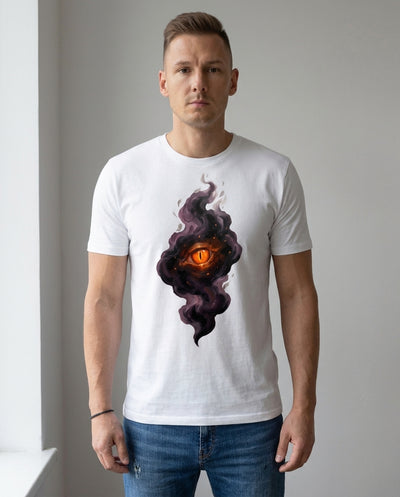
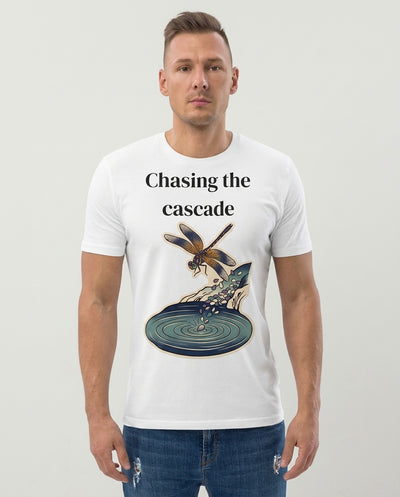
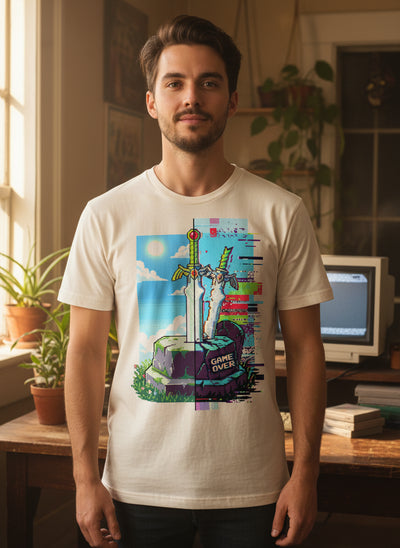
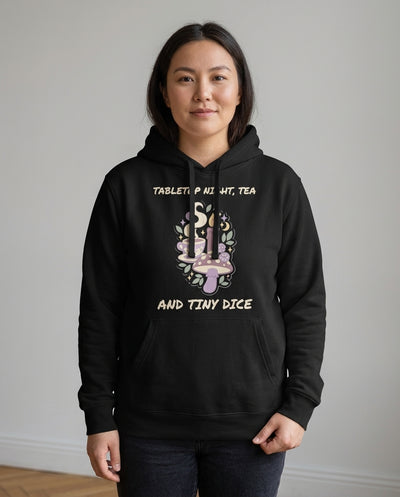
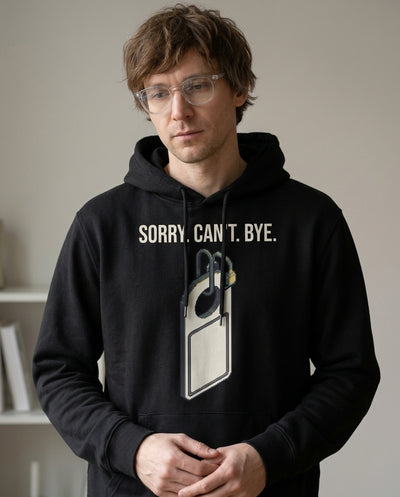
Newest Hoodies
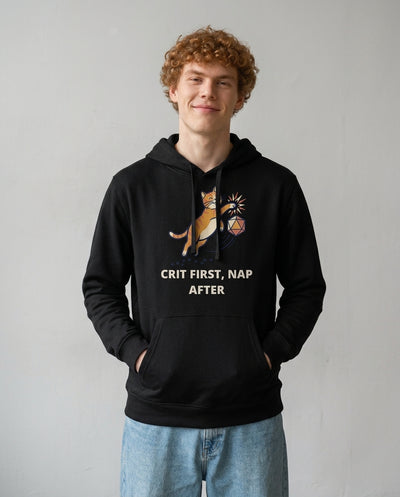
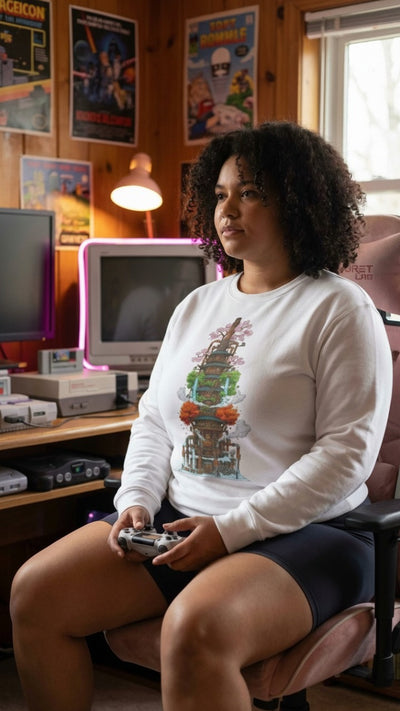
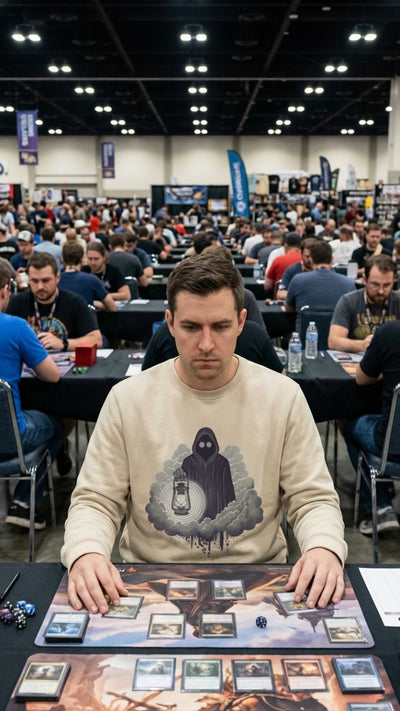
Newest Sweatshirts
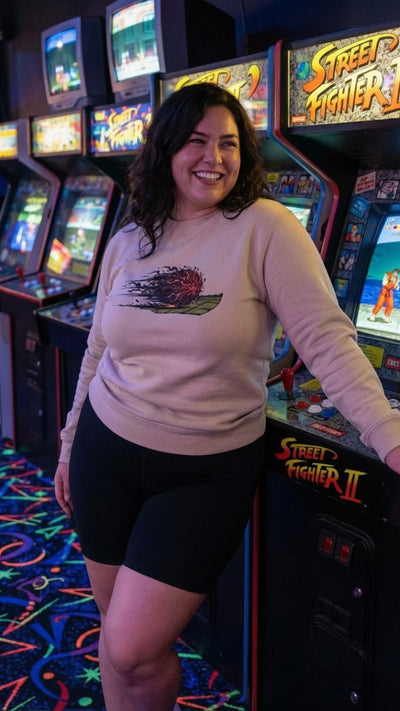
Newest Totes

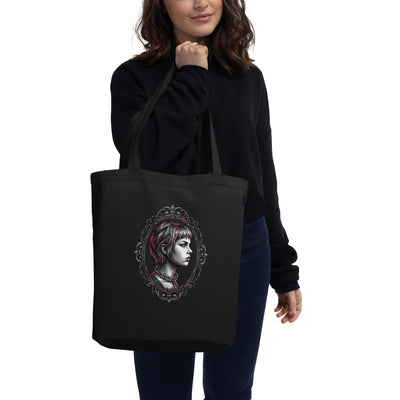
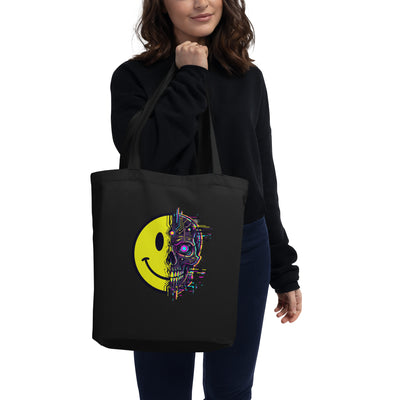
About the garments: they are made to order. Any certifications are held by our blank suppliers, not by Design Delight Studio, and which ones apply depends on the garment's blank. See the transparency and sourcing guide and each product page for details.
What the AI does and does not do
The try-on generates an AI image of you wearing the product you picked. It is a preview of the look, not a measuring tool. Because the image is generated, it can differ from the real garment in fit, drape and exact colour, so use it as a guide to style and check the product page for specifications.
What it does
- Creates a new image of you wearing the selected product, from the photo you provide.
- Lets you try another colour of the same design.
- Lets you add the item to your cart, download the image or share it.
What it does not do
- Predict fit, drape or how a size will feel on you.
- Match exact colour with the real garment.
- Replace the size chart or the product details.
- Produce a photograph of the real garment on you.
- Store your photo. DDS does not keep it.
Sizing note: look, not fit
The preview shows look, not fit. A generated image cannot tell you how a size will feel or hang on your body, so choose your size from the size chart and sizing notes on the product page. We sell apparel in sizes S to 2XL and totes in one size.
- Use the try-on to judge the graphic, the colour and the overall look.
- Use the size chart and sizing note on the product page to judge fit.
- The size shown in the preview is not a size recommendation.
Photo tips for a clearer preview
A clear photo makes a clearer preview. Face the camera in even light, keep your upper body in frame with your arms visible, and avoid heavy layers or a busy background. These are practical tips rather than requirements, and you can upload a photo or take one with your camera.
- Stand facing the camera with your upper body fully in frame.
- Use even, natural light and a plain background where you can.
- Wear a fitted top so the new garment has a clear shape to replace.
- Use a photo of yourself, or of someone who has agreed to be in it.
Privacy and limits
When you generate a preview, your photo is sent once to Google's Gemini image model, processed in memory, and never stored by DDS. The studio is free and limited to 10 try-ons per visitor per day. Results are AI previews, not photographs of the real garment.
- Photo: sent once to generate the preview, processed in memory, never stored by DDS. For how a model provider handles requests on its side, read that provider's own terms.
- Limit: 10 try-ons per visitor per day.
- Accuracy: AI previews can differ from the real garment in fit, drape and exact colour.
- Products: tees, hoodies, sweatshirts and totes.
- Cost: free to use.
Frequently asked questions
These are the questions visitors ask most about the Virtual Try-On Studio: what it is, what it costs, what happens to your photo, and how far you can trust a preview. Each answer stands on its own.
What is the Virtual Try-On Studio?
It is a free tool from Design Delight Studio that creates an AI preview of you wearing one of our products. You add a photo, choose a product, and the studio generates an image of you wearing it.
Is the Virtual Try-On Studio free?
Yes. The try-on is free to use. Each visitor can run 10 try-ons per day.
How many try-ons do I get?
You get 10 try-ons per visitor per day. If you reach the limit, you can try again the following day.
What AI powers the try-on?
The preview is generated by Google's Gemini image model. The studio sends your photo and the product to the model once, and shows you the result.
Does Design Delight Studio store my photo?
No. Your photo is sent once to generate the preview and is processed in memory. DDS never stores it.
Where does my photo go when I generate a preview?
It is sent once to Google's Gemini image model to create the preview. DDS processes it in memory and does not store it. For how a model provider handles requests on its side, read that provider's own terms.
Which products can I try on?
Tees, hoodies, sweatshirts and totes. This page shows the newest designs in each type, and the full studio lets you browse any product.
Can I use my camera instead of uploading a photo?
Yes. You can upload a photo or use your camera.
Is the preview a real photo of me wearing the item?
No. It is an AI-generated image. It is a preview of the look, and it can differ from the real garment in fit, drape and exact colour.
Will the garment fit the way the preview shows?
Not necessarily. The preview shows look, not fit. Use the size chart and sizing notes on the product page to choose your size.
How accurate are the colours?
The preview is a guide, not a colour match. Exact colour can differ between the AI image and the real garment, so check the product photos on the product page as well.
What can I do with my result?
From the result you can add the item to your cart, try another colour, download the image or share it.
What kind of photo works best?
A clear, evenly lit photo, facing the camera, with your upper body in frame and arms visible. A plain background and fewer layers help. These are tips, not requirements.
Can I try on a product that is not shown on this page?
Yes. Open the full studio at try-on.ddsboston.com and browse any product from there.
Why do some results look different from the real garment?
Because the image is generated by AI rather than photographed. Small details, proportions and shades can differ from the real item, which is why the preview should be used as a guide to the look only.
Who reviews this page?
Robert McCullock, Founder & AI Systems Architect of Design Delight Studio, reviews this page. The review date is shown in the editorial standards section.
Bottom line
Use the try-on to judge the look: the graphic, the colour and the feel of the design on a body like yours. Use the size chart to judge the fit. The preview is generated by AI, so it can differ from the real garment, and it is not a promise about how the real garment will fit.
Editorial standards
- Reviewed by
- Robert McCullock, Founder & AI Systems Architect, Design Delight Studio.
- Last reviewed
- What was checked
- How the try-on works, its daily limit, which products it supports, and how photos are handled.
- Sources
- The studio's own description of the tool it runs. The page links to the tool itself and to our transparency and sourcing guide.
- Corrections
- Spot something wrong? Write to customersupport@ddsboston.com. We publish corrections on this page.